
Table of Contents
ToggleVR gaming tools have transformed how players experience virtual worlds. The right combination of hardware and software creates immersive gameplay that flat screens simply cannot match. From high-resolution headsets to precision controllers, each component plays a specific role in delivering seamless virtual reality.
This guide covers the essential VR gaming tools every player needs. Whether someone is building their first setup or upgrading an existing system, understanding these components helps make informed decisions. The technology has matured significantly, and today’s options offer better performance at more accessible price points than ever before.
Key Takeaways
- VR gaming tools include headsets, controllers, software platforms, and accessories that work together to create immersive virtual experiences.
- Standalone headsets offer portability and easy setup, while PC-tethered headsets deliver higher visual fidelity for more demanding games.
- Controllers with finger tracking, like the Valve Index Knuckles, provide more natural and realistic interactions in virtual environments.
- SteamVR is the dominant PC platform with the largest VR game library, while Meta Quest users can access both standalone and PC VR content.
- Comfort accessories like upgraded head straps, prescription lens inserts, and facial interfaces significantly improve long play sessions.
- Match your VR gaming tools to your available hardware—a capable GPU (RTX 3070 or RX 6800 minimum) is essential for quality PC VR performance.
VR Headsets and Hardware
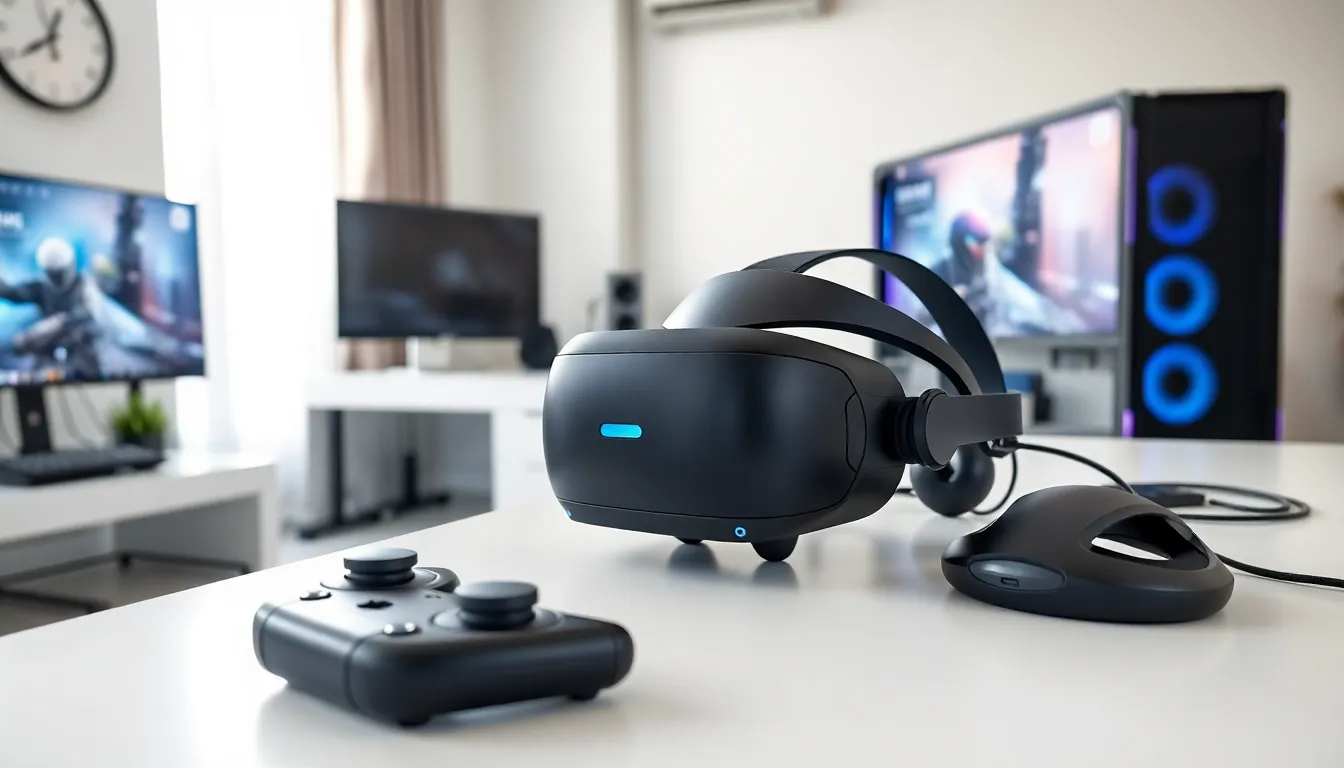
The VR headset serves as the foundation of any virtual reality setup. It houses displays, lenses, and tracking sensors that create the visual experience. Modern VR gaming tools in this category fall into two main types: standalone and PC-tethered headsets.
Standalone headsets like the Meta Quest 3 run games directly on the device. They require no external computer or console. This makes them portable and easy to set up. But, they have less processing power than PC-connected options.
PC-tethered headsets such as the Valve Index and HP Reverb G2 connect to a gaming computer. They deliver higher visual fidelity and can run more demanding titles. The tradeoff is a higher total cost and less freedom of movement.
Key specifications to consider include:
- Resolution: Higher pixel counts reduce the “screen door effect” and improve clarity
- Refresh rate: 90Hz is the minimum standard: 120Hz or higher provides smoother visuals
- Field of view: Wider FOV creates a more natural viewing experience
- Tracking type: Inside-out tracking uses headset cameras: outside-in uses external sensors
The PlayStation VR2 offers another path for console gamers. It connects to the PS5 and delivers impressive specs without requiring a gaming PC. Sony’s headset includes eye-tracking and haptic feedback in the headset itself.
When selecting VR gaming tools, buyers should match their headset choice to their available hardware. A powerful GPU matters significantly for PC VR. NVIDIA RTX 3070 or AMD RX 6800 represent solid entry points for quality VR performance.
Controllers and Motion Tracking Devices
Controllers translate physical movements into virtual actions. They’re among the most important VR gaming tools for interactive gameplay. Different systems use different controller designs, each with distinct advantages.
Standard VR controllers feature buttons, triggers, thumbsticks, and motion tracking. The Meta Touch controllers and PlayStation Sense controllers follow this design. They work well for most games and offer reliable tracking accuracy.
The Valve Index Controllers (often called “Knuckles”) represent premium VR gaming tools. They strap to users’ hands and track individual finger movements. Players can open and close their grip naturally, adding realism to interactions. Throwing objects, gripping weapons, and making gestures feel intuitive with finger tracking.
Motion tracking extends beyond controllers. Some setups use additional hardware:
- Base stations: Lighthouse tracking systems provide sub-millimeter accuracy for headsets and controllers
- Full-body trackers: Devices like Vive Trackers attach to feet, waist, and elbows for complete body tracking
- Haptic gloves: Products from companies like bHaptics add touch feedback to hands
Full-body tracking has grown popular in social VR applications and dancing games. Users attach three to seven trackers to their body. The system then mirrors their complete movements in virtual space.
For competitive gaming, controller choice matters. Low latency and precise tracking give players an edge in fast-paced titles. The best VR gaming tools in this category combine accurate sensors with comfortable ergonomics for extended play sessions.
Hand tracking without controllers is another emerging option. Meta Quest headsets can track bare hands using onboard cameras. While not yet precise enough for competitive play, hand tracking works well for casual experiences and media viewing.
Software Platforms and Game Launchers
Software platforms organize VR content and manage hardware settings. These VR gaming tools determine which games users can access and how they interact with their equipment.
SteamVR remains the dominant PC platform. It supports nearly every PC VR headset and hosts the largest library of VR titles. Steam’s store offers thousands of games, from indie experiments to AAA productions. The platform handles room setup, controller binding, and performance monitoring.
Meta’s ecosystem splits between the Quest Store and Meta Link. The Quest Store serves standalone content running directly on Quest headsets. Meta Link (formerly Oculus Link) connects Quest devices to PCs, unlocking SteamVR and Rift library access through a USB cable or wireless Air Link.
Other notable platforms include:
- Viveport: HTC’s storefront with a subscription option for unlimited game access
- PlayStation Store: The exclusive source for PSVR2 games
- Sidequest: A third-party store for experimental and unofficial Quest content
Virtual Desktop deserves special mention among VR gaming tools. This application enables wireless PC VR streaming to Quest headsets. Many users prefer it over Meta’s official Air Link for its additional features and performance options.
Drivers and runtime software also matter. Keeping headset firmware and platform software updated ensures compatibility with new releases. Most VR gaming tools update automatically, but manual checks prevent issues with newly launched titles.
For social VR, platforms like VRChat and Rec Room function as both games and social hubs. They’re free to access and provide spaces where users meet, play mini-games, and explore user-created worlds.
Accessories to Enhance Your VR Experience
Accessories improve comfort, audio quality, and immersion. These VR gaming tools address common pain points and extend play sessions.
Head strap upgrades top the list for Quest owners. The stock strap on Meta headsets prioritizes cost over comfort. Third-party options from Kiwi Design, BoboVR, and others add padding, better weight distribution, and integrated batteries. A good strap makes hour-long sessions comfortable instead of fatiguing.
Audio solutions vary by headset:
- Built-in speakers: Many headsets include off-ear speakers for spatial audio
- Headphone attachments: The Valve Index uses BMR speakers that clip near ears
- Custom earbuds: Some users prefer in-ear monitors for noise isolation
Prescription lens inserts help glasses wearers. Companies like VR Optician and Reloptix create custom lenses that snap into headsets. These eliminate the need to wear glasses inside VR, preventing discomfort and lens scratches.
Facial interfaces affect both comfort and hygiene. Replacement covers made from leather or silicone are easier to clean than fabric. Wider interfaces accommodate more face shapes and reduce light leakage around the nose.
Cable management systems keep tethered users safe. Ceiling-mounted pulleys suspend the cable overhead, preventing trips and tangles. Wireless adapters eliminate cables entirely for some PC headsets, though they add cost and slight latency.
Other useful VR gaming tools include:
- Controller grips: Straps that secure controllers to hands during active games
- Charging docks: Keep controllers ready without hunting for batteries
- Floor mats: Circular mats that help users feel their play area center
- Fans: USB fans mounted on headsets reduce lens fogging and heat buildup
Each accessory addresses specific needs. New VR users should start with basics and add accessories as they identify personal preferences.


